
Follow one guest through a day. She checks a message while waiting at reception, joins a video call from her room, sends photos from the terrace at sunset and spends the next morning in a conference hall with two hundred other people on their phones. To her, it is one hotel and one WiFi network. To the network, these are four very different jobs.
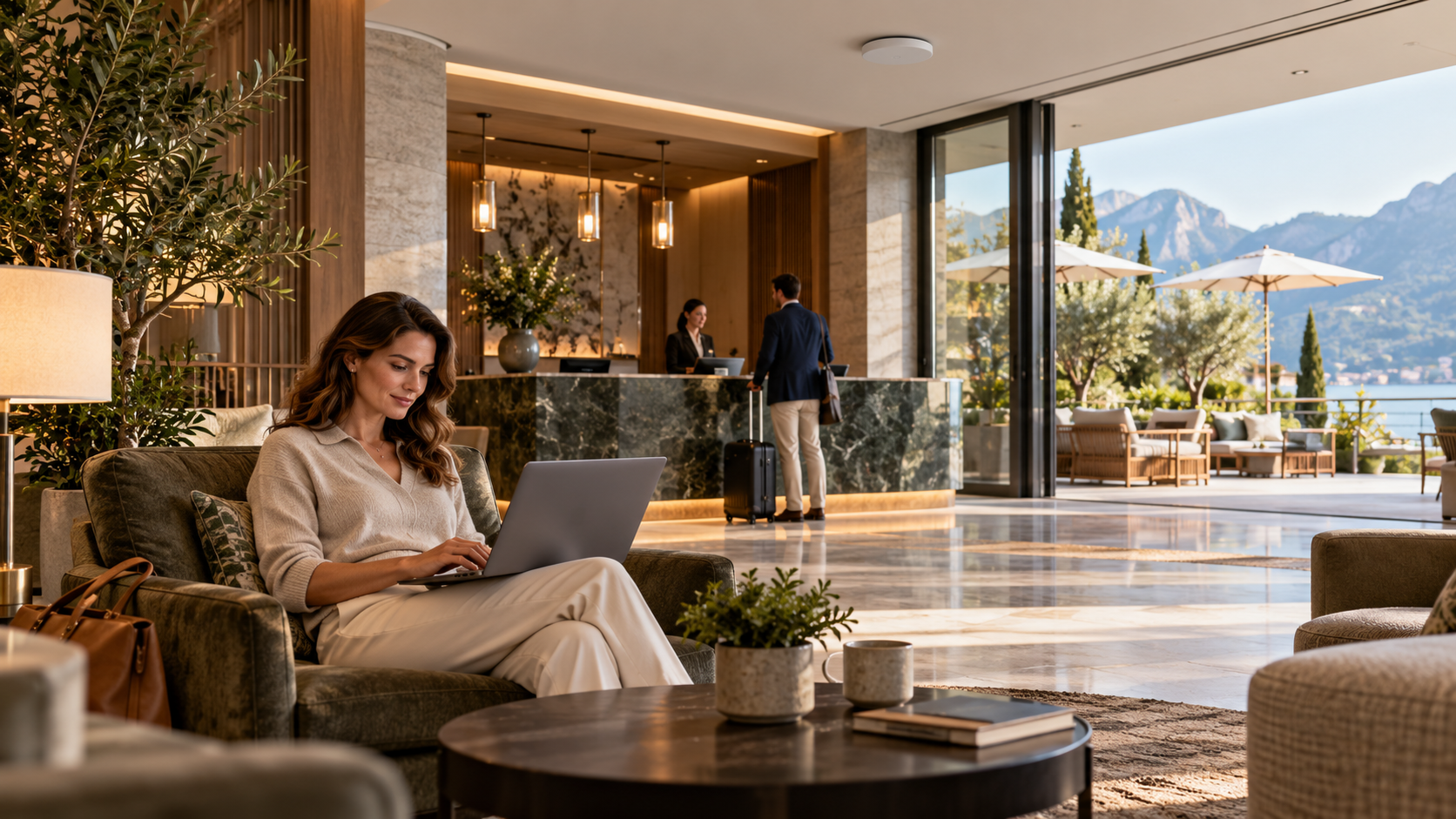
A useful WiFi brief follows those moments instead of treating the property as a single coverage area.
Map the moments that matter
Start with a simple table built with operations and sales:
| Where | What guests do | What matters most |
|---|---|---|
| Reception and lobby | Short tasks while waiting, informal work | Quick joining, enough capacity at busy check-in times |
| Guest rooms | Video calls, streaming, work | Consistent performance in the actual room positions |
| Restaurants and bars | Browsing, sharing photos | Capacity during peak service |
| Terraces and pool | Messages, photos, calls | Outdoor reach without disturbing the design |
| Meeting and event spaces | Many devices at once | Capacity and event-specific requirements |
Include the places where guests wait or work informally, such as a corner of the lobby or a corridor seat, even if they were never on the original technology schedule.
Joining the network is part of the experience
Many guest complaints start before the first page loads. Guests need to understand how to connect and where to get help. Any sign-in or access arrangement should be tested on a range of representative devices, with attention to accessibility and to the information requested from guests. A short, clear joining process is a service decision as much as a technical one.
Design and accept the complete service
The wireless link is only one part of reaching an online service. Behind it are the internal network and the internet connection, and both belong in the design and in any investigation. A strong wireless indicator on a phone does not show that the rest of the path is performing as needed.
Agree acceptance scenarios that resemble real use:
- Tests in representative room positions, not only in corridors.
- Moving between areas, such as from lobby to room to terrace.
- Busy periods where it is practical to test them.
Record the conditions of each test and what it does not demonstrate.
Illustrative scenario. Imagine a test carried out on a quiet weekday showing excellent results in the lobby. If the record says it was quiet, nobody will later assume the same performance during a full check-in on a holiday weekend.
Give staff a simple way to report problems
“The WiFi is bad” is hard to act on. A short report with the location, the time and the symptom helps separate a local issue from a wider service problem. Give reception a simple form or channel for it, and a clear route for escalation.
Next step: Walk through your guest journey with BootNet before equipment is selected, so the network brief reflects how the property will actually be used.