
A hotel does not close for maintenance. Rooms are occupied, the restaurant is serving, a wedding is being set up in the hall and the conference group expects the network to behave exactly as it did yesterday. Technology maintenance has to fit around all of this, just like any other work in the building.
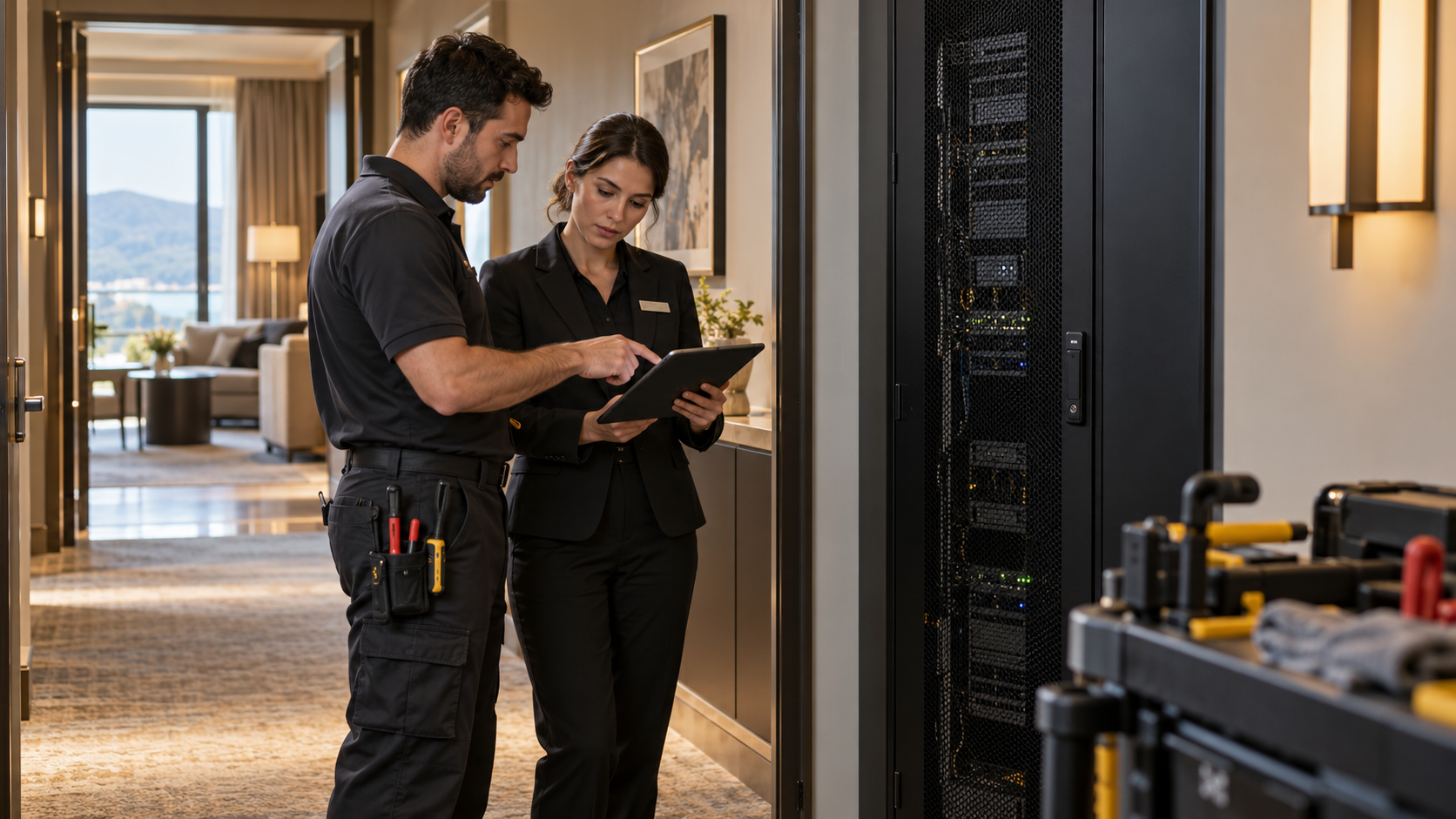
A useful maintenance plan answers three questions: what needs attention, why it matters, and when the operation can accommodate the work.
Start from what is actually installed
Maintenance begins with an inventory: each piece of equipment, where it is, what it supports and the relevant manufacturer requirements. With that record, tasks can be matched to the equipment that needs them, such as inspections, configuration reviews, battery checks or cleaning, rather than applying one checklist to every device because it happens to sit in the same rack.
The inventory also shows dependencies. Knowing that a switch in a floor cupboard serves the guest rooms on two floors changes when you are allowed to touch it.
Agree work windows with operations
Different kinds of work disturb the hotel in different ways:
| Type of work | Typical impact | What to agree with operations |
|---|---|---|
| Visit to an occupied guest room | Guest privacy and comfort | Room status, timing, housekeeping coordination |
| Network change affecting several floors | Short loss of connectivity | Low-occupancy window, front desk informed |
| Work in an event hall | Conflict with set-up or events | Events calendar, handover time |
| Plant room or cabinet inspection | Usually none, if planned | Access and escort arrangements |
For each task, state the expected service impact and the checks needed before the area returns to use.
Treat updates as controlled changes
A software or firmware update can fix a problem and introduce a new one. Before installing, review why the update is needed, its compatibility requirements and which systems depend on the device. Record the current configuration and agree how to return to it if necessary. An update should never be installed simply because a notification appeared.
Where practical, apply the change to a limited area first, such as one floor or one meeting room, and confirm it behaves as expected before extending it.
Illustrative scenario. Imagine an access point update is applied to every floor at once during a busy weekend, and some older guest devices stop connecting. Updating one floor first, on a quiet weekday, would have shown the problem when it affected only a handful of rooms.
Check the hotel functions, not just the device
After the work, test what guests and staff actually use, including interfaces with other systems. A device that powers up correctly may still have broken a connection to the property management or television system. Keep unresolved findings visible rather than marking the whole visit complete.
Let the records guide future decisions
Maintenance records reveal patterns: the same fault returning, equipment approaching the end of manufacturer support, areas that consistently need attention. Replacement recommendations should explain the operational issue and the available options, not rely on the age of the equipment alone.
Next step: Discuss the maintenance scope and work windows with BootNet, so the agreed activities fit your property’s operating calendar and service arrangements.