
Most meetings that start late do not start late because people arrived late. They start late because the first five minutes are spent finding the right remote, choosing an input, wondering why the far end cannot hear, and asking whether anyone knows how this room works.
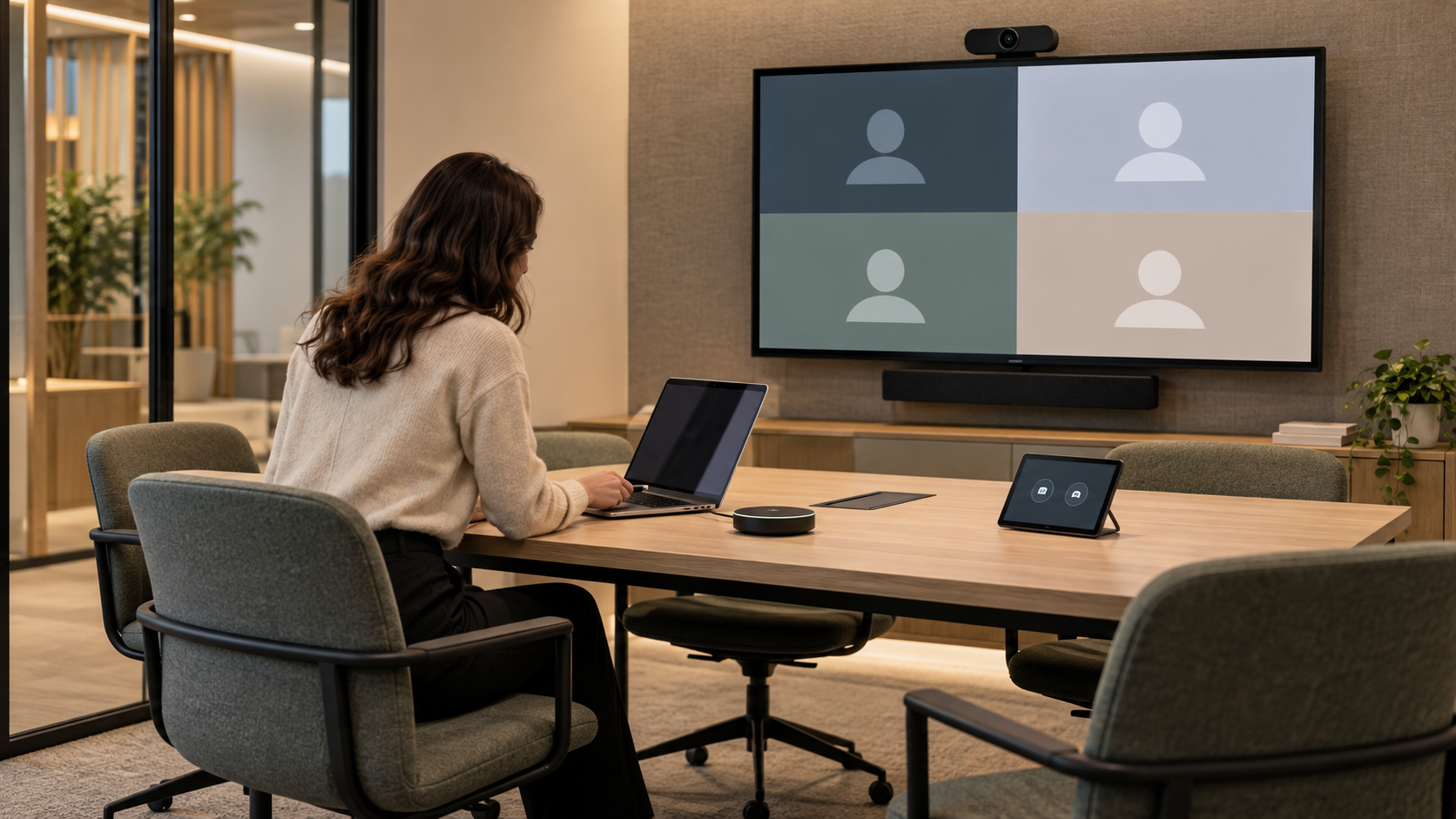
The first task in a meeting room should be starting the meeting. When users have to operate each component separately, the room is asking them to do its work.
Begin with a few real scenarios
Most rooms serve a small number of situations. Write them down before choosing equipment:
- Present from my own laptop to people in the room.
- Join a scheduled video call on the business’s main platform.
- A guest presents from a device the business does not manage, possibly on a different platform.
Decide whether users will present from their own devices, use a fixed room system, or both. Include the conferencing platforms and guest situations the business genuinely needs. Adding every possible connection “just in case” makes the choice harder for everyone.
Design the controls around actions
The interface should offer actions such as “Present” or “Join meeting”, not a list of devices and inputs. Use clear labels and make status visible:
- Which microphone is live, and whether it is muted.
- Whether the camera is on.
- Which screen is showing what.
There should also be one obvious way to end the session.
Test with people who were not involved
A technician’s polished demonstration proves the room can work. It does not prove that a new employee or a visitor can make it work. Ask people outside the project to start a representative meeting while you watch where they hesitate and what they expect to happen.
Illustrative scenario. Imagine a sales manager arriving with a client two minutes before a call. If she can walk in, tap “Join” and see the remote participants within a minute, the room is doing its job. If she needs to phone someone, the design needs another look.
Plan the moment between meetings
Check what happens when a meeting ends: a guest’s device is disconnected, the room returns to its normal state, and the next user does not inherit the previous settings. Agree how the room behaves when a platform or connection is unavailable, and what help users can request.
Keep two kinds of documentation
- A short guide in the room, written in the same words as the controls.
- A detailed technical record for support.
Keep everyday controls separate from configuration settings, so a curious user cannot change the room for everyone. Any ongoing support arrangement should state which equipment and activities it covers.
Next step: Before accepting the interface and equipment, ask BootNet to demonstrate the proposed room through your most common meeting scenarios.