
When a movable partition closes, a ballroom becomes two or three rooms. Technically, it becomes two or three different systems. Microphones, speakers, screens and control panels that belonged together a moment ago now belong to separate events, with separate audiences and separate organisers.
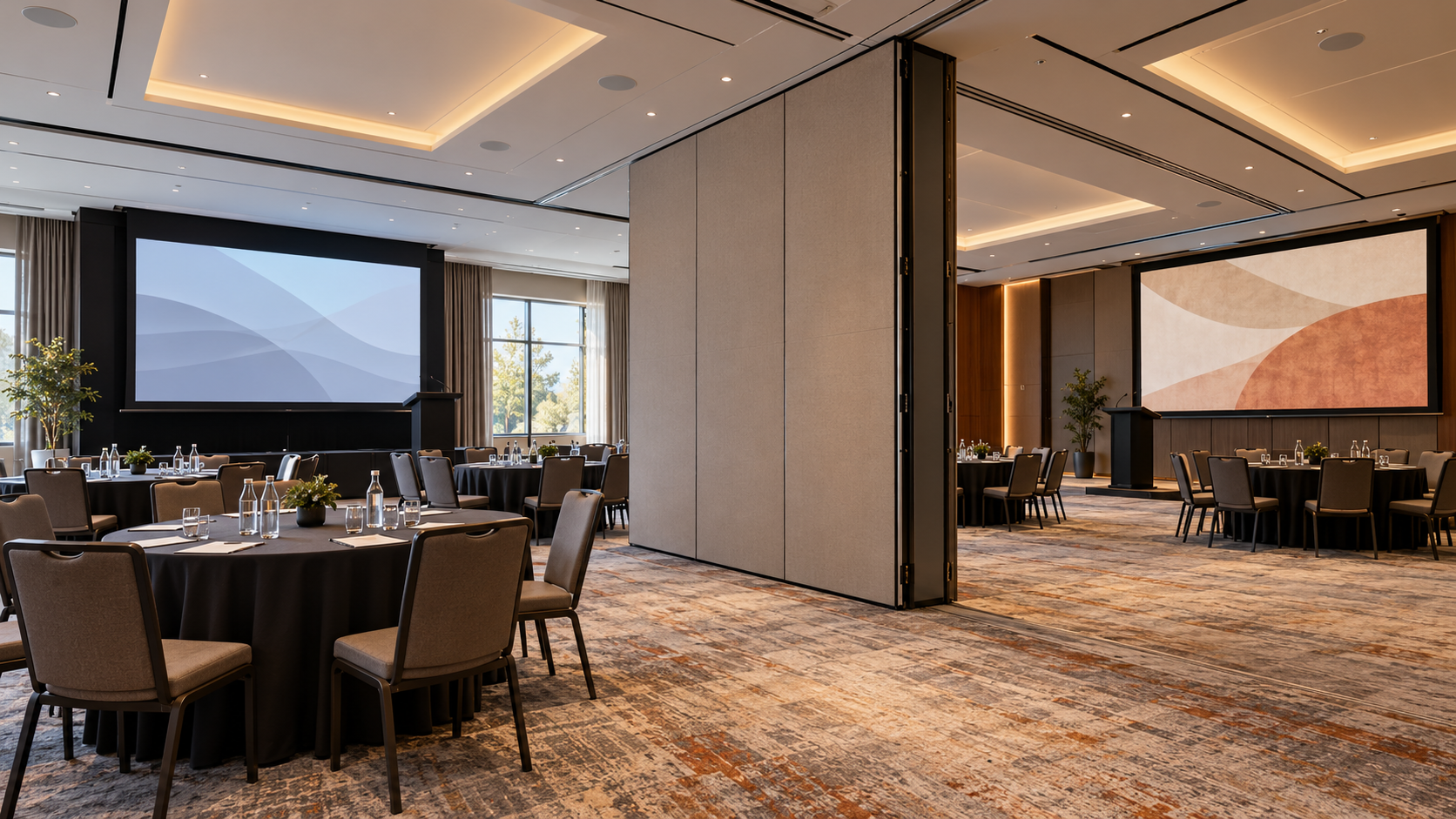
A divisible hall works well only if every room combination the hotel sells has a clear, tested arrangement, including the transition between them.
Describe each room mode the hotel will sell
Start with sales and operations, not equipment. List the configurations the hotel actually intends to offer, and for each one describe the presentation position, audience layout, displays and audio destinations.
| Room mode | Typical use | What must belong together |
|---|---|---|
| Rooms A, B and C separate | Three simultaneous meetings | Each room’s microphones, speakers, screen and panel |
| A+B combined, C separate | Larger session beside a breakout | Shared sound and screens in A+B; C fully independent |
| Full hall | Gala dinner or plenary | All speakers and screens, one control position |
A combined hall may need a different arrangement from several independent meetings side by side, such as a different presenter position or additional screens for distant tables.
Make the current state obvious
Decide how a room mode is selected. Staff may choose it on a control panel, or the system may use an approved sensing arrangement linked to the partition. Either way, everyone should be able to see which mode is active.
An unnoticed mismatch is the classic failure: the panel thinks the hall is combined while the partition is closed, and a speaker’s voice or a confidential slide reaches the wrong room.
Rehearse in a sensible order
- Test each independent room on its own, confirming sources and controls stay inside it.
- Test the combined configurations.
- Practise the changeover itself: combining rooms, moving the presentation position, and returning to separate operation.
Illustrative scenario. Picture a morning with three separate workshops followed by an afternoon plenary in the full hall. If the events team can switch modes during the lunch break with a short, rehearsed procedure, the afternoon starts on time.
Routing cannot fix acoustics
Include the physical partition and the acoustic behaviour of the rooms in the assessment. When two events run side by side, audio routing cannot compensate for poor acoustic separation between them. Any construction-related limitation should be identified with the responsible designer and stated clearly to the sales team.
Give operators and visitors the right information
Prepare a concise setup guide for each accepted room mode, showing which tasks are routine and which require technical assistance. External production suppliers should receive connection details and responsibility boundaries before they arrive, not at the loading door.
Next step: Ask BootNet to review your planned event configurations with hotel operations, so every room mode has an agreed setup, interface and acceptance test.