
A home can look finished while some of its most important technical decisions are still open. Where does the network equipment live? How will a technician reach it in five years? Will the study work as well as the living room? What happens when the furniture moves?
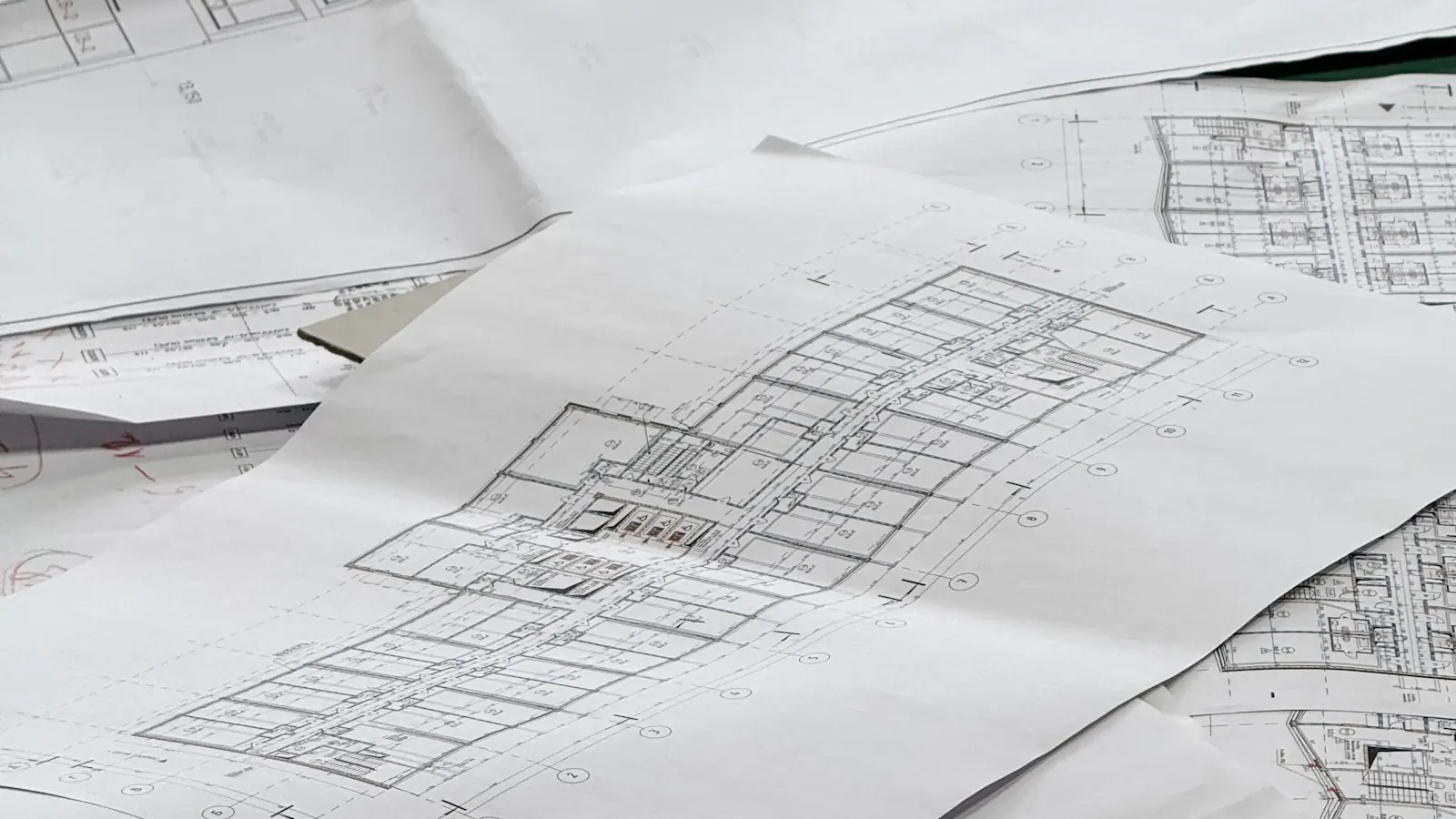
These questions deserve a place next to the lighting plan and the joinery drawings. Home technology infrastructure decides how easily the systems in a premium home can be installed and, years later, looked after. Settle it early and the finished rooms are far more likely to stay the way the architect drew them.
Start with how each room will be used
A floor plan shows where the walls are. It does not show where someone will take a video call, where guests will gather, or which terrace will become the family’s favourite place on a summer evening.
Before anyone draws a connection point, walk through the intended use of each space, including the home office, bedrooms, outdoor areas and any room that may change purpose. The result is a short room brief: the activity, the equipment it depends on and any architectural restriction. A study might need a discreet wired point at the desk, good wireless coverage and somewhere to charge devices without trailing cables. That is a far better starting point than “good Wi-Fi throughout the house”, and it gives you a fair way to compare proposals.
Give the equipment a proper home
A cupboard is not automatically a suitable equipment location. Check the usable space, the power supply, the manufacturer’s temperature and ventilation requirements and the route in and out. A device that fits on installation day still has to come out for replacement.
Commercial buildings treat this seriously: the ANSI/TIA-569 standard, for example, sets environmental requirements for telecommunications rooms. A private home does not need a server room, but the same questions apply on a smaller scale. Ask for one coordinated drawing of the equipment area showing usable space, cable entry, doors and service access, because the joiner, the electrical consultant and the technology designer all touch it.
Wire the access points, not only the television
Wireless performance depends on more than the internet subscription. Building materials, access point locations and the number of devices all play a part. Reinforced concrete and metal block or reflect radio signals.
Illustrative scenario. Imagine a family that plans to use the safe room (mamad) as a study. Its reinforced walls and steel door tend to cut it off from the Wi-Fi in the rest of the house. A wired connection point and a local access point, planned from the start, make it a working room rather than a dead zone.
Manufacturers’ guidance points the same way: Cisco Meraki’s mesh deployment guide notes that throughput drops with each wireless mesh hop and advises keeping hops to a minimum. A mesh product can be a useful fix in an existing home. In a new build or a major renovation, a cable to each planned access point is usually the more dependable choice. Coverage and capacity are separate questions, so ask how both will be checked once the house is finished.
Decide early what is hard to change later
Some choices can wait. Cable routes, access panels and connections behind fixed finishes cannot. A useful review before the walls close answers five questions:
- Do the latest architectural, electrical and technology drawings agree on locations?
- Are the required routes and connection points installed, labelled and tested?
- Can the planned equipment be reached, serviced and replaced?
- Have changes made on site been marked on the drawings?
- Is any unresolved decision about to be covered over?
The last one matters most. A spare conduit reserved for a future use is a sensible allowance; an unfinished route that each contractor assumes someone else will complete is a problem waiting behind the plaster. Where future needs are uncertain, an accessible route is often worth more than a device installed without a clear purpose.
In an existing home, find out what is worth keeping
In an occupied home the job is usually to improve the system around finished rooms. Investigate before deciding: which cables can be identified and tested, where access is restricted, which parts already meet the household’s needs. Ask for a proposal that separates infrastructure that stays, work needed now and allowances for later, with each stage leaving the home in a working, documented state.
Label it so the next technician can follow it
The homeowner does not need to memorise a network diagram. The people who maintain the home do need drawings that reflect the completed work, labels at both ends of every cable and an equipment list tied to locations. The ANSI/TIA-606 administration standard is a useful reference point, even if a home uses a simpler scheme. A folder of product manuals cannot explain how this particular house was put together.
One plan across the design team
Networking, security, audiovisual systems and automation share the same cabinets and cable routes, and depend on decisions made by several people. BootNet works on a Design, Build, Operate basis: understanding how the home will be lived in, planning and installing the agreed systems, then testing and documenting what has been delivered. Ongoing support is available under a service plan agreed with each client.
Next step: Bring BootNet the drawings for a new home, or the plans and known issues for an existing one, together with the way you intend to use each room.